

What It Does
Start From Any Image
Import a JPG or PNG and Studio turns it into a tuftable design — no vector skills, no tracing.
Pick Your Colors
Map each area of the design to a yarn color and see the result before a single stitch is made.
Send It To Your Machine
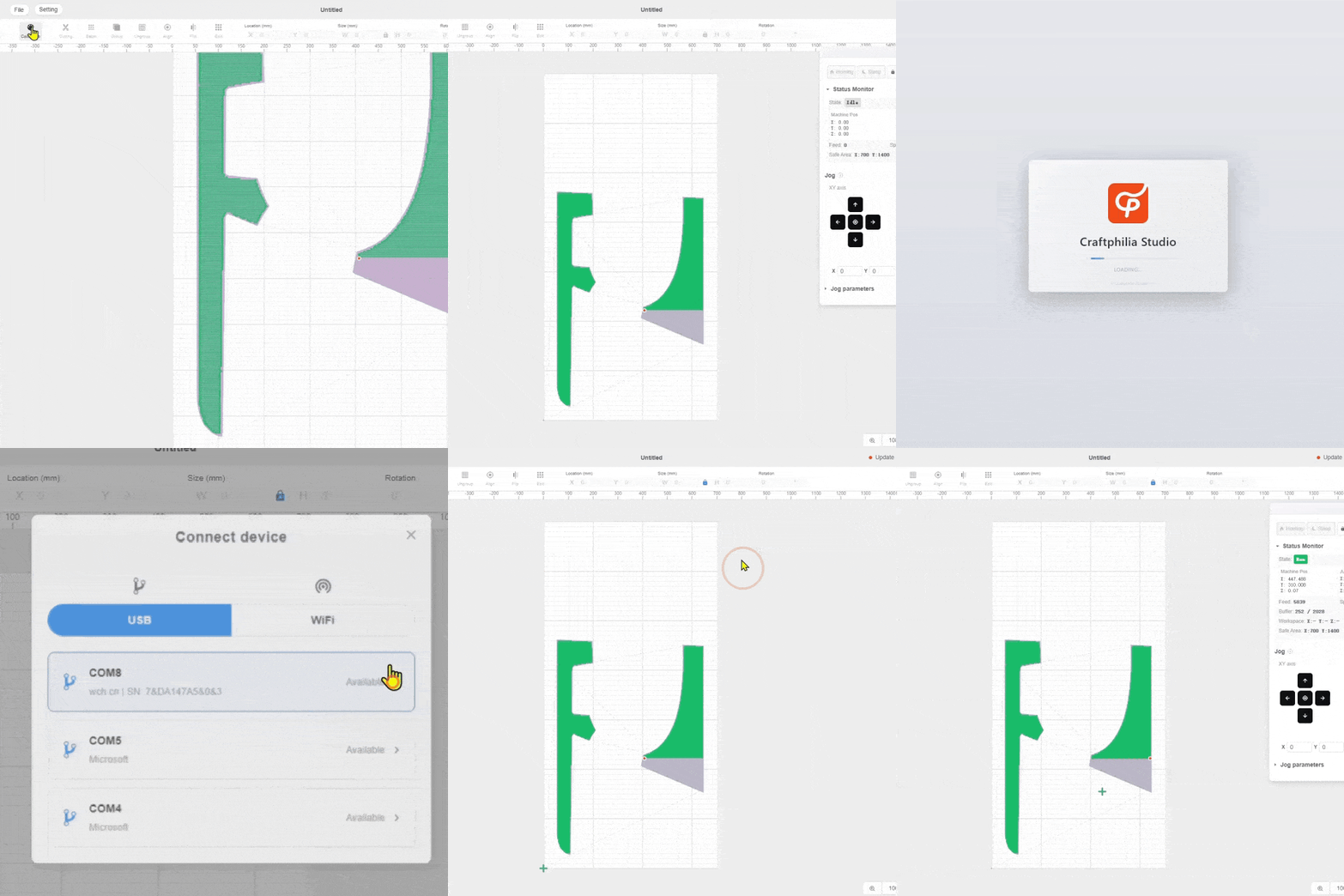
Send the job to the machine over USB or Wi-Fi, then let it run.
System Requirements
- Windows
- macOS
- Operating System
- Windows and macOS
- Connection
- USB or Wi-Fi
- Mobile AppIn development
- Coming soon
- Image Import
- JPG, PNG and BMP
- Internet
- Not needed, except for AI features
- Machine
- Not needed to design — only to tuft
Having trouble installing? Our team can walk you through it — Get in touch.
Shape Every Detail Before You Tuft
-
![Color Layering]()
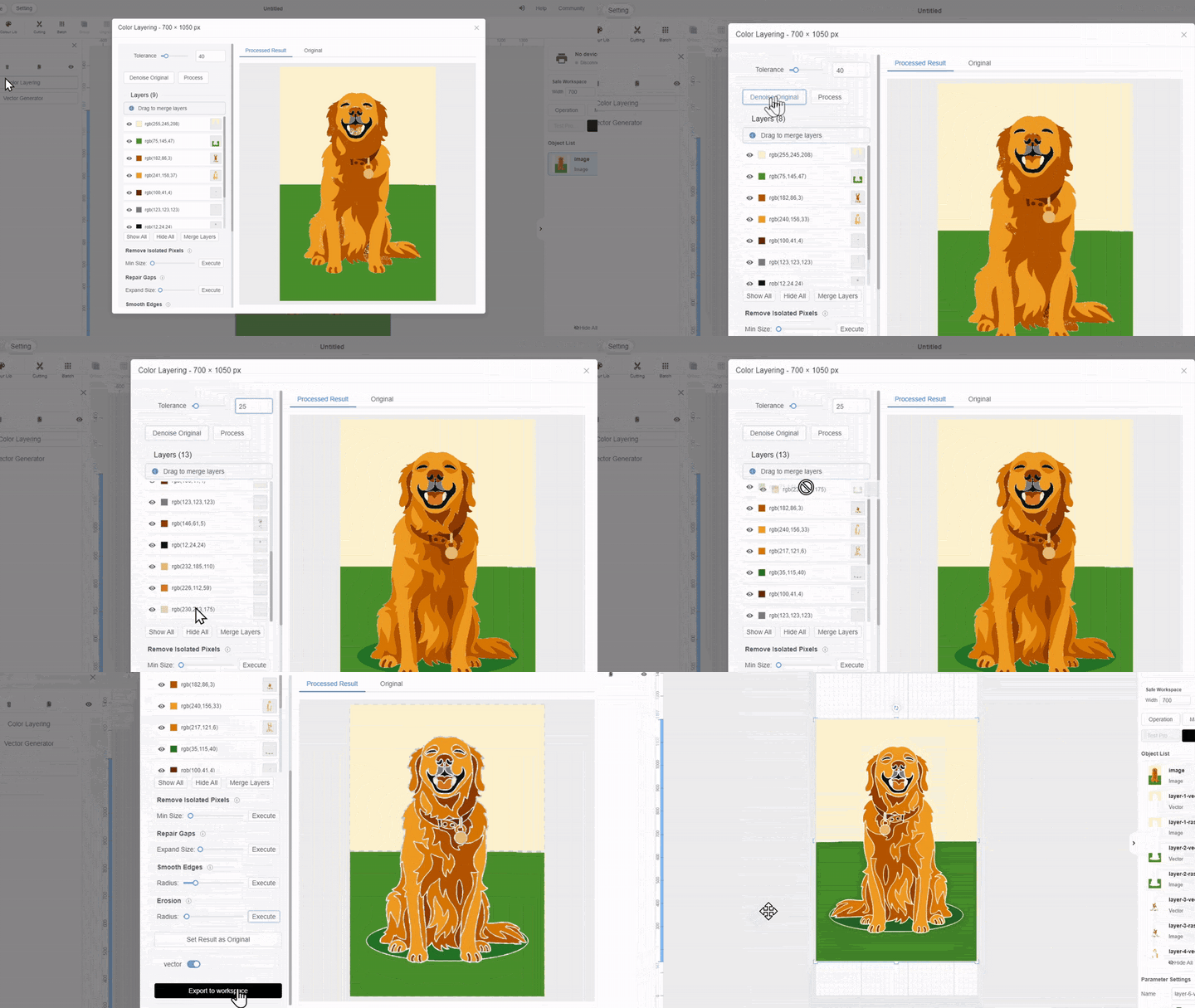
Color Layering
Turn your image into a design ready to tuft by colour
-
![Yarn Palette]()
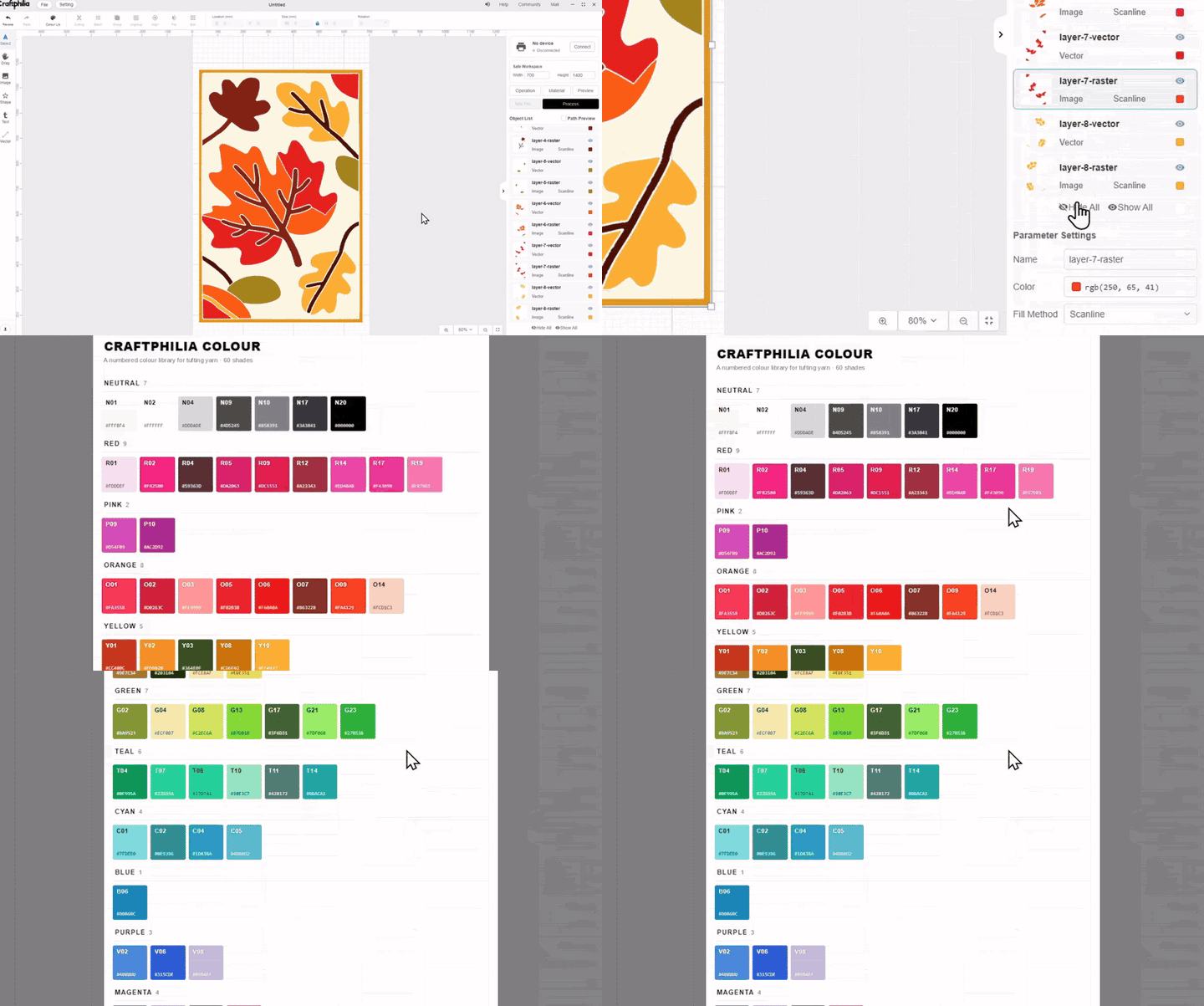
Yarn Palette
Match your design to a growing library of numbered yarn shades.
-
![Custom Density]()
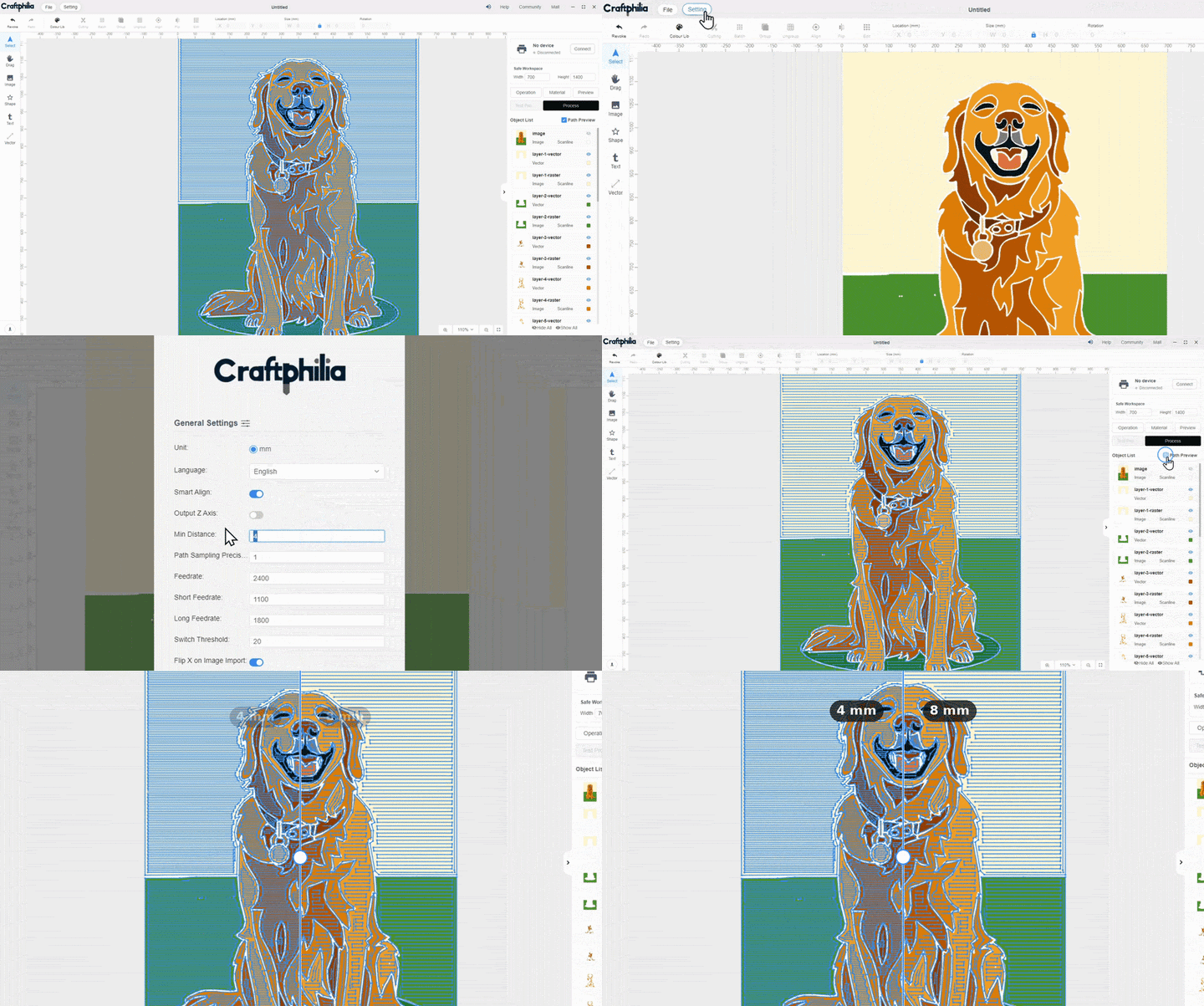
Custom Density
Set the row spacing in Studio and take the guesswork out of how full your rug turns out
-
![Edit Paths]()
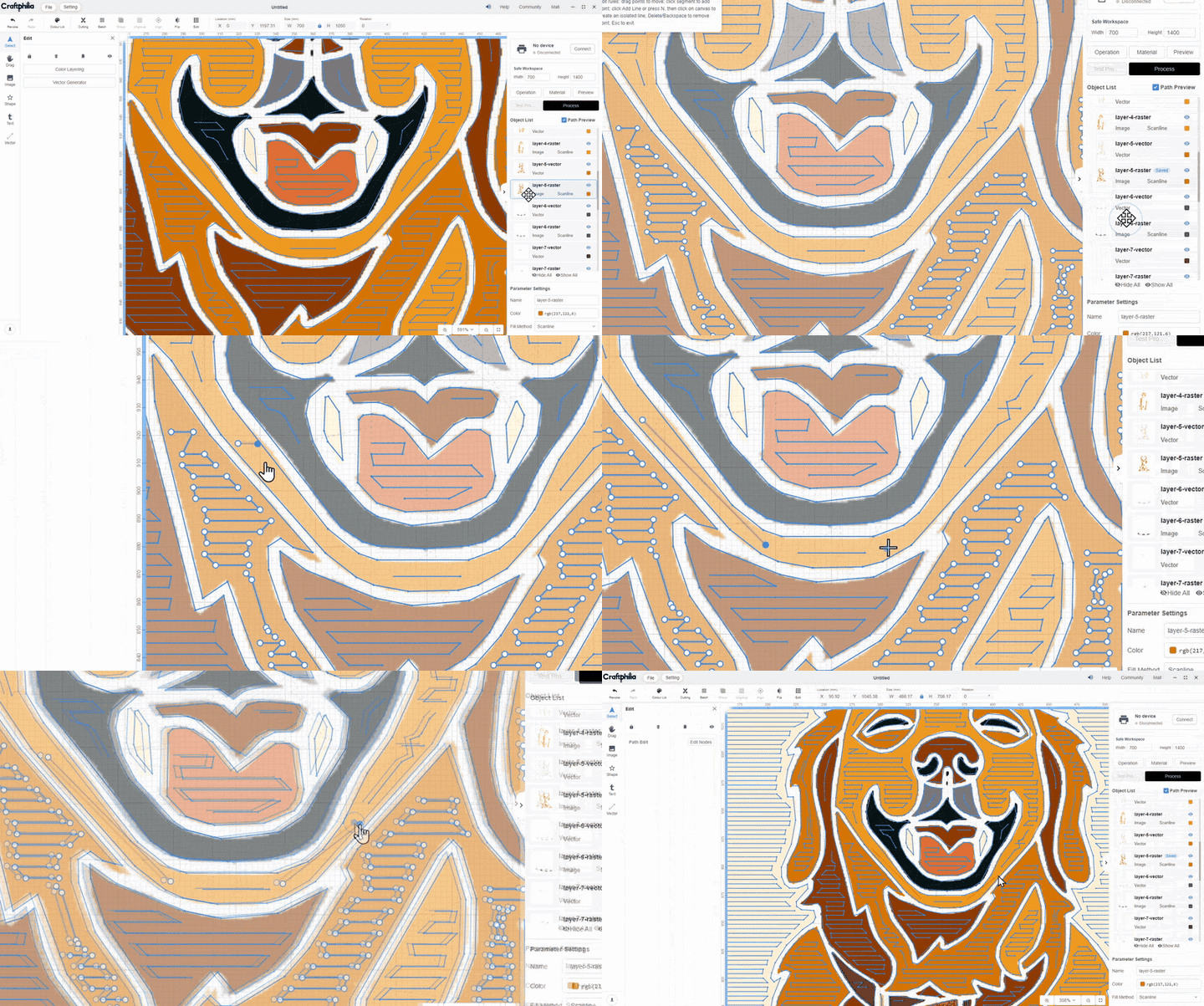
Edit Paths
Draw in your own lines wherever you want to take the detail further
Craftphilia Studio
Less Work, More Inspiration
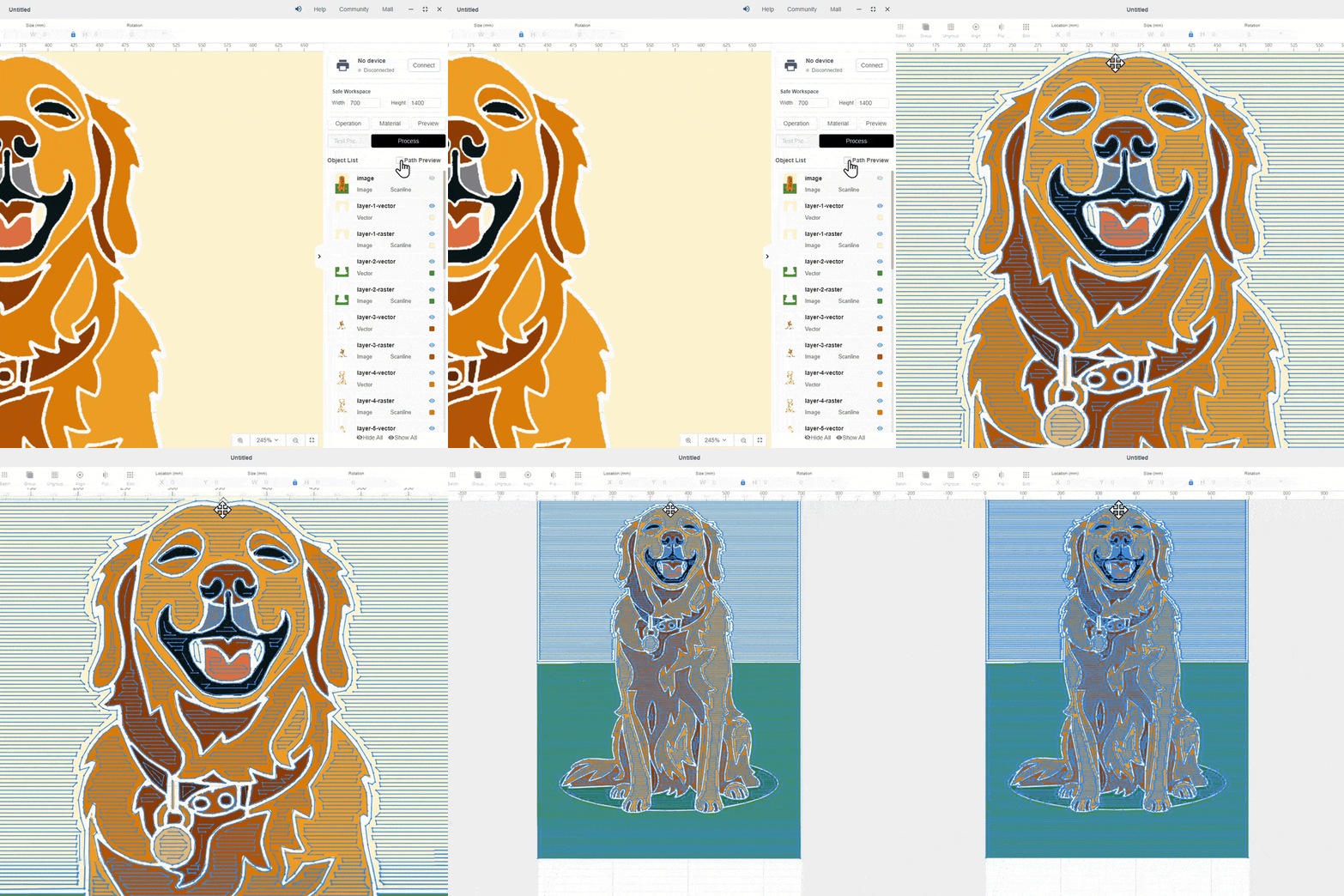
Generate tufting paths automatically from any image you upload
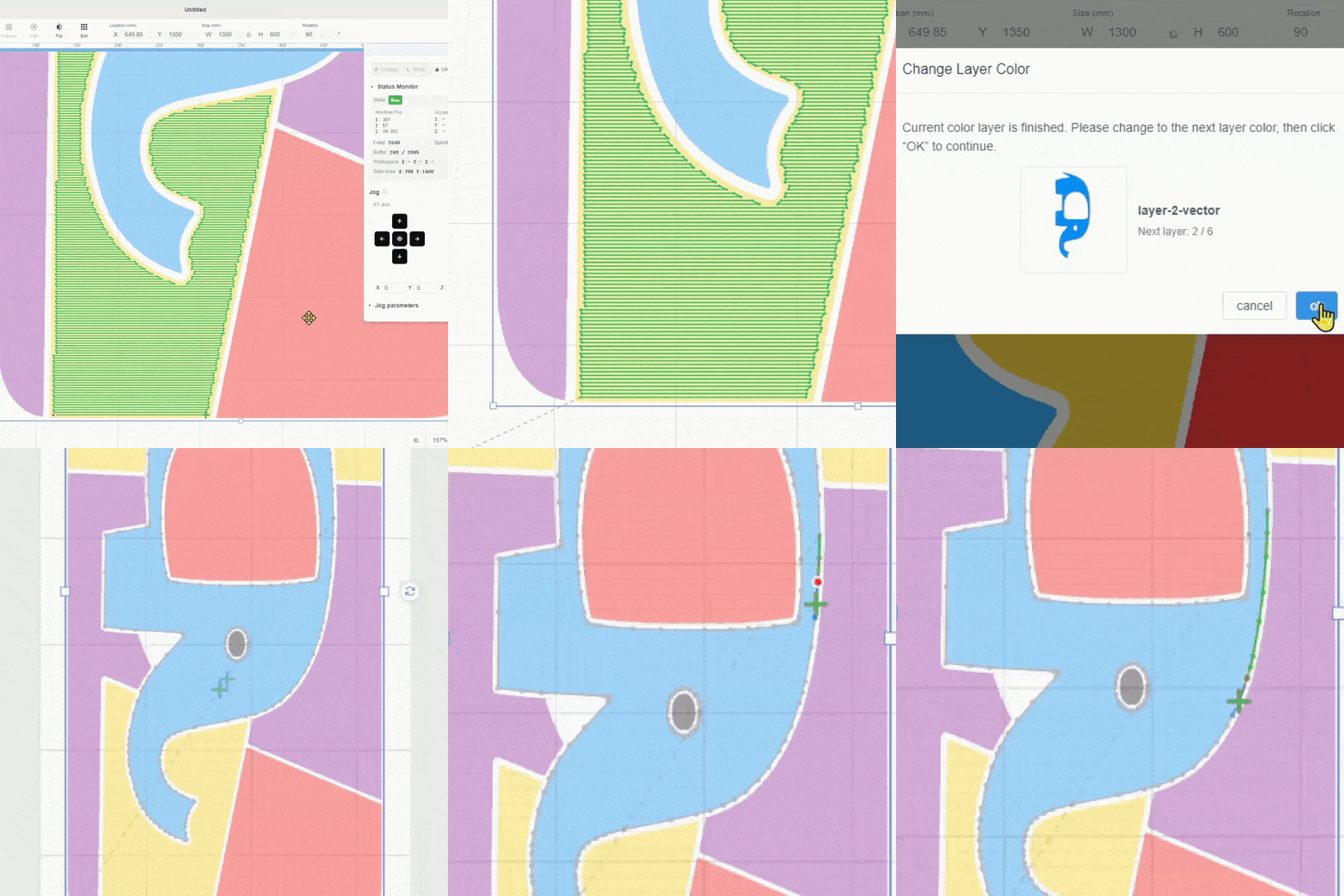
The machine stops after each color and waits for you
Stop anywhere. Pick up where you left off
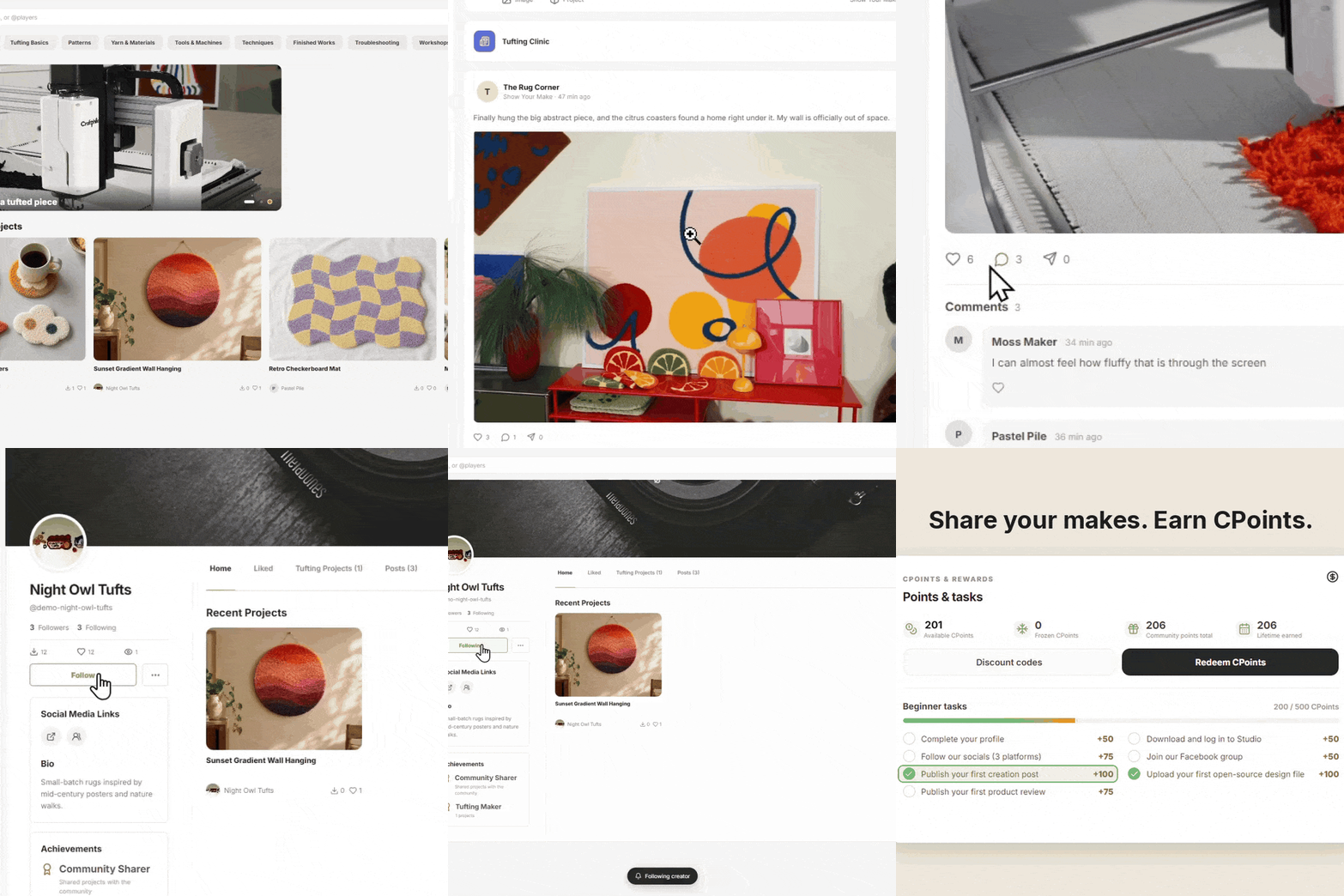
Connect with fellow tufters—share projects, swap tips, and start creating